Record
Film in Camera Studio, or start from a clip in Photos.
Coming soon to iPhone
Record a take. CutNow finds the pauses, retakes and filler words, adds captions, and hands you a cut to review.
Launch invites go out in order. Nothing is charged until the app is live. How we use your email
iPhone · iOS 17 or later · From $19.99/month

Pauses marked, retakes gone, captions placed. You review it the way you would review your own cut.


It marks what it would remove and leaves the decision with you. Nothing changes until you approve it.
The same take, 8 seconds shorter. Published twelve minutes after recording.
A three-minute talking video takes about an hour before it is postable. Almost none of that hour is creative.
33minutes saved on every video
At three videos a week that is 86 hours a year — two working weeks, back in your hands.
None of that is editing time saved for its own sake. It is time moved into the next script, the next shoot, the next post — which is where the views come from.
Three formats, three single takes, nothing re-shot. 4.4M views between them.
 Tutorial
 Product review
 Everyday story
What those hours turned into.
No import settings, no export presets. The whole workflow lives on one screen pair.
Film in Camera Studio, or start from a clip in Photos.
It transcribes the take and marks the pauses, false starts and repeats it would drop.
Fix a word, add captions, export in up to 4K.
Silence, fillers, captions and export are handled. Anything that changes meaning stays your call.
An edit from the raw take, before you open the timeline.
Long pauses get shortened. Your rhythm doesn't change.
The extra “ums” come out. The sentence stays.
Delete a sentence in the transcript and the video closes the gap.
Word by word, in preset styles you can restyle in a tap.
Take a caption file for YouTube, or burn the words into the frame.
Queue ten videos, get one notification.
Up to 4K to Photos, with no badge and no extra step.
TikTok and Reels want 9:16, YouTube wants 16:9, feed posts want 4:5 or 1:1. CutNow exports every ratio from one take, so you never film twice.
Compare plansBuilt for video where someone talks to the lens, not for cinematic B-roll.

The gaps between steps go first. What's left is the instruction.
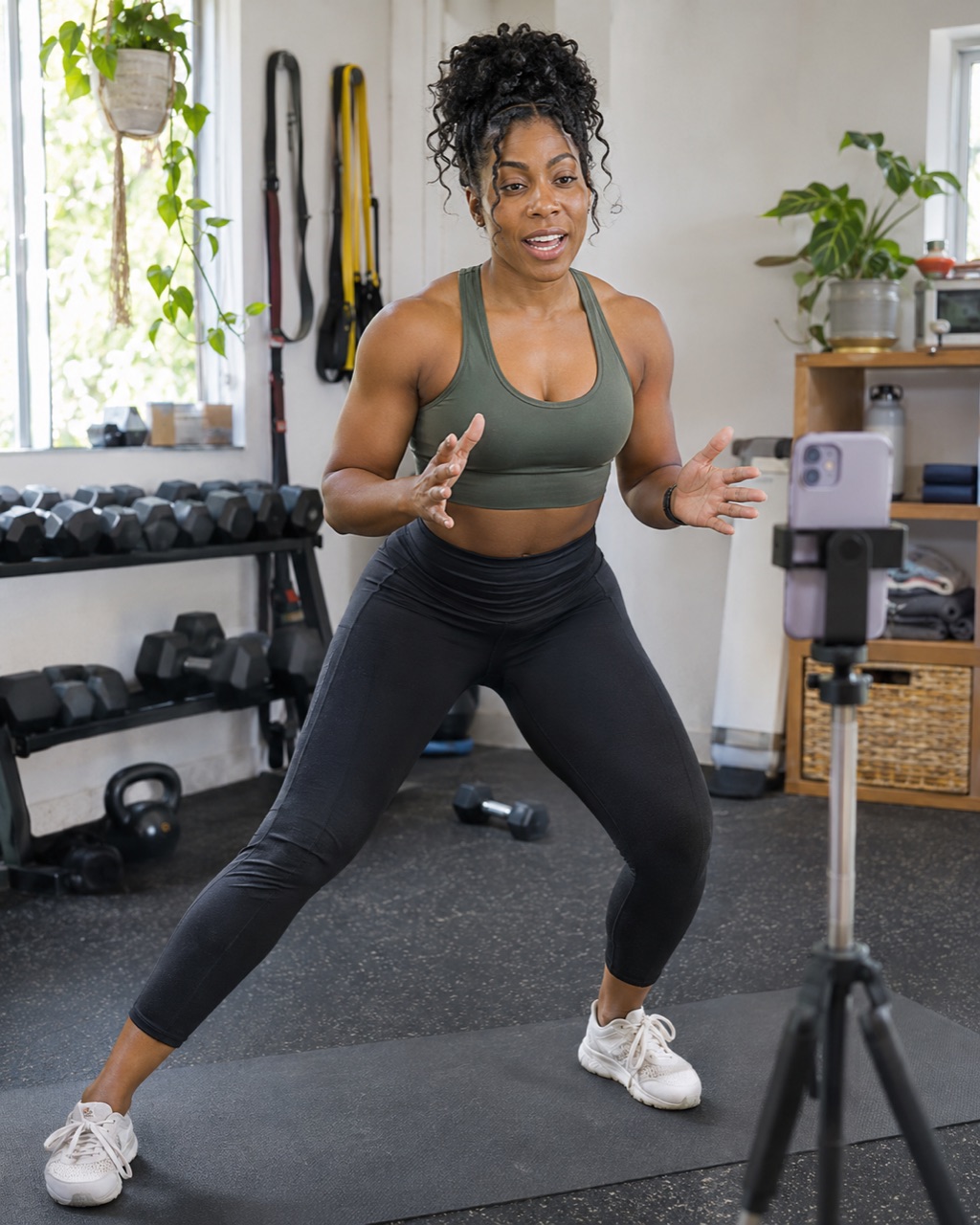
Share an exercise demonstration without getting stuck on the edit.

Walk viewers through a space and keep the focus on its details.
Same footage, same export. The difference is how much timeline you touch.
| By hand in an editor | General AI video tools | CutNow | |
|---|---|---|---|
| Time to a first cut | 20–40 min per take | Minutes, then a cleanup pass | About a minute |
| Pauses and retakes | Clip by clip | Partly, depends on the take | Automatically |
| Your idea order | Kept | Sometimes reordered | Kept, in your order |
| Reviewing each cut | Every cut | Limited after the pass | Every cut, undoable |
| Captions and ratios | Separate apps, reframe by hand | Add-on, one ratio per export | Included, four ratios |
| Export | Up to 4K | Varies by plan | 4K, no watermark |
Swipe sideways to see all three columns →
Notes from people who record to camera every week, in their own words.
Twenty minutes of picking, gone
“I film three takes and used to spend twenty minutes choosing one. The cut is already there when I sit down.”
 Maya R.UGC creator
My videos stopped feeling slow
“The pauses were why my reviews dragged. Cutting them changed the pacing more than any transition ever did.”
 Daniel O.Product reviewer
Ten videos before my coffee
“Batch queue is the part I use every day. Ten takes in, ten cuts out, one notification in between.”
 Priya N.Social media manager
It keeps the sentence I trailed off on
“It left the half-sentence I trailed off on. That is the bit that makes the cut sound like me.”
 Tom H.Tutorial creator
Record, review, post — same day
“The middle step used to be the whole afternoon. I would still like a bigger caption editor on iPad.”
 Alexis M.Beauty creator
Captions land where I'd put them
“I fix a word or two per video. The style I pick survives every export, in all four ratios.”
 Jonas K.Fitness coach
A 40-minute lesson, cut in one pass
“The gaps between steps are gone before I open the timeline. My lessons hold people past minute five now.”
 Nina T.Course instructor
Listings posted the same night
“I film a walkthrough on my phone and post it before the open house. No editor, no waiting until Monday.”
 Marcus B.Real estate agent
Record, review, post — same day
“The middle step used to be the whole afternoon. I would still like a bigger caption editor on iPad.”
Alexis M.Beauty creatorCaptions land where I'd put them
“I fix a word or two per video. The style I pick survives every export, in all four ratios.”
Jonas K.Fitness coachA 40-minute lesson, cut in one pass
“The gaps between steps are gone before I open the timeline. My lessons hold people past minute five now.”
Nina T.Course instructorListings posted the same night
“I film a walkthrough on my phone and post it before the open house. No editor, no waiting until Monday.”
Marcus B.Real estate agentTwenty minutes of picking, gone
“I film three takes and used to spend twenty minutes choosing one. The cut is already there when I sit down.”
Maya R.UGC creatorMy videos stopped feeling slow
“The pauses were why my reviews dragged. Cutting them changed the pacing more than any transition ever did.”
Daniel O.Product reviewerTen videos before my coffee
“Batch queue is the part I use every day. Ten takes in, ten cuts out, one notification in between.”
Priya N.Social media managerIt keeps the sentence I trailed off on
“It left the half-sentence I trailed off on. That is the bit that makes the cut sound like me.”
Tom H.Tutorial creatorAutomatic editing and captions for your videos, with more credits and batch tools when you need them.
Starter
$19.99/mo
3-day free trial, then $19.99/month.
100 credits a month
For posting a few times a week.
Try Starter freePro Most chosen
$39.99/mo
3-day free trial, then $39.99/month.
300 credits a month
For posting every day.
Try Pro freeCredits renew monthly, including on annual plans. The 3-day free trial applies to monthly plans. Prices in USD.
Practical notes on pacing, silence and the review pass that keeps your voice intact.
Where the pauses come from, and how much to cut before the pacing starts to feel rushed.
Read the guide → Creator guide How to edit a talking-head videoA repeatable workflow: record, tighten, review, caption, export — in that order.
Read the guide → Editing guide How to remove filler words without losing your voiceWhich “ums” to cut, which ones carry meaning, and why a hard cut sounds worse than a short gap.
Read the guide →Still unsure about something? Write to customer_service@tigerdr.com.
Yes. You record a talking video and CutNow produces the cut for you: pauses, false starts and repeated takes are removed, captions are placed, and the result opens on the timeline for review.
One credit cuts one video up to three minutes, with captions and a 4K export included. A longer take uses one credit per three minutes. Starter includes 100 credits a month and Pro includes 300.
Both monthly plans start with three free days. If you cancel before the third day ends, you're not charged. If you keep going, the plan renews at its monthly price through your Apple ID — and you can cancel in Settings whenever you like.
Yes. One take exports in 9:16 for TikTok, Reels and Shorts, 4:5 or 1:1 for feed posts, and 16:9 for YouTube and web — up to 4K, without a watermark or a second edit.
Yes. Camera Studio is optional — start from any talking video already in your photo library. Footage with background music or several speakers works less predictably than a single voice to camera.
CutNow is in final review with Apple and opens on the App Store shortly. Plans shown here activate on launch day; nothing is charged before then.
Record a take, review the cut, publish while the idea is still fresh.
We write once, on launch day. See the plans while you wait.
Coming soon to iPhone · iOS 17 or later